
 Saved places
Exclusive-Use Dog Field Bookings: What to Confirm
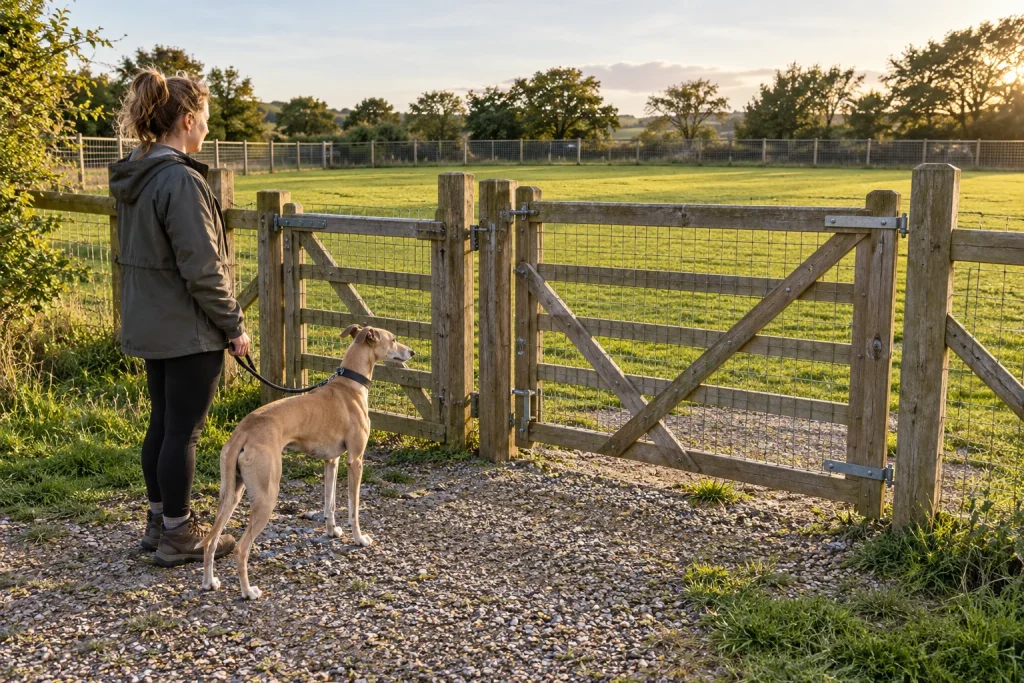
Exclusive use needs an explicit answer
A fenced field is not automatically exclusive. Ask whether anyone else can use the named space during your slot. Keep sharing arrangements separate from fence descriptions and slot duration; each answers a different question about the service.
Use the field booking guide to identify a candidate, then confirm the booking directly. The directory does not hold live slots or turn a public listing into a reservation.
State the whole party
Tell the operator how many dogs and households will attend. Ask which allowance the booking covers and whether the quoted price relates to that actual party. Do not infer that a longer slot or larger field permits a larger group.
If the operator manages several fields, name the one you intend to use. Current terms for one space should not silently become the terms of a different one. The comparison checklist helps keep identity and boundary information alongside booking details.
Check timing and changeover
- The confirmed slot start and finish.
- Whether the space is exclusive for that period.
- The number of dogs and households covered.
- Correct entrance, parking and gate instructions.
- The operator’s arrival and departure procedure.
- Current cancellation and amendment conditions.
Ask how the operator wants visitors to handle arrival and departure. Keep any privately issued gate information with the confirmation rather than relying on an old review. An approximate directory point is not a confirmed gate location.
Keep the confirmation usable
Save the operator’s response, booking reference and current contact details together. Recheck the arrangements after changing the party, field or time. Treat the operator’s instructions as specific to that reservation unless a current public policy supports a broader statement. A correction with such a source can improve the listing after review.